

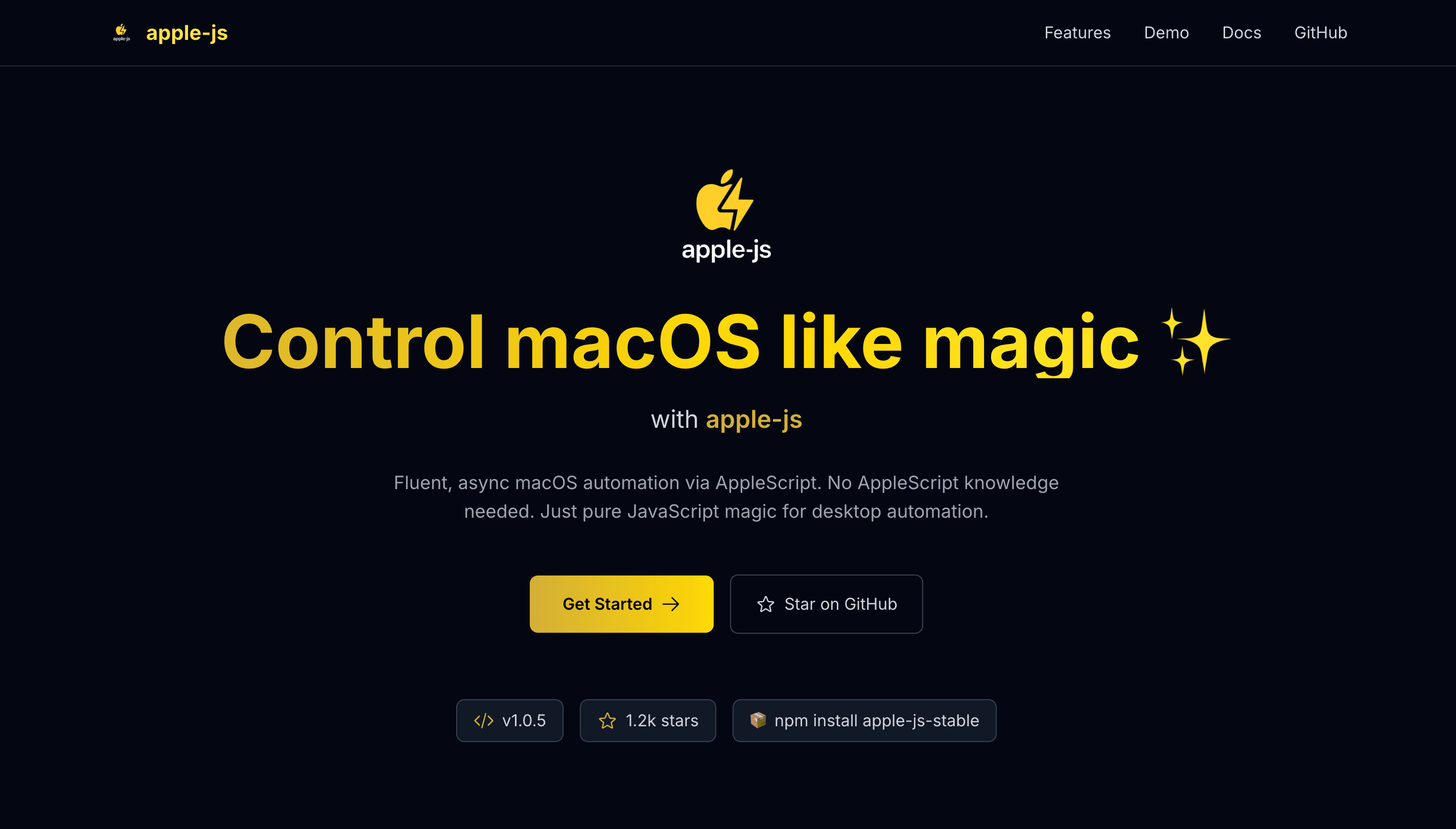
Apple.js: Building a macOS Controller Library with JavaScript
Creating Apple.js was one of my most ambitious projects - building a comprehensive JavaScript library that allows developers to control macOS system functions directly from Node.js applications.
The Vision
The goal was to create a developer-friendly wrapper around Apple's osascript that would:
- Provide intuitive JavaScript APIs for macOS control
- Handle complex system interactions seamlessly
- Offer comprehensive error handling and validation
- Support both synchronous and asynchronous operations
- Maintain cross-version compatibility
Core Architecture
1. Base Controller Class
class AppleController {
  constructor(options = {}) {
    this.options = {
      timeout: 30000,
      verbose: false,
      ...options
    };
    this.isAvailable = this.checkAvailability();
  }

  async checkAvailability() {
    try {
      await this.executeScript('return true');
      return true;
    } catch (error) {
      return false;
    }
  }
}
2. Script Execution Engine
async executeScript(script, options = {}) {
  const { timeout, verbose } = { ...this.options, ...options };

  return new Promise((resolve, reject) => {
    const process = spawn('osascript', ['-e', script], {
      timeout,
      stdio: verbose ? 'inherit' : 'pipe'
    });

    let output = '';
    let error = '';

    process.stdout.on('data', (data) => {
      output += data.toString();
    });

    process.stderr.on('data', (data) => {
      error += data.toString();
    });

    process.on('close', (code) => {
      if (code === 0) {
        resolve(this.parseOutput(output));
      } else {
        reject(new AppleScriptError(error, code));
      }
    });
  });
}
Advanced Features
1. System Information
class SystemInfo extends AppleController {
  async getSystemVersion() {
    const script = `
      tell application "System Events"
        return system version
      end tell
    `;

    return await this.executeScript(script);
  }

  async getHardwareInfo() {
    const script = `
      tell application "System Events"
        set hardwareInfo to {machine name, processor type, memory}
        return hardwareInfo
      end tell
    `;

    return await this.executeScript(script);
  }
}
2. Application Control
class ApplicationController extends AppleController {
  async launchApplication(appName) {
    const script = `
      tell application "${appName}"
        activate
        return true
      end tell
    `;

    return await this.executeScript(script);
  }

  async getRunningApplications() {
    const script = `
      tell application "System Events"
        return name of every process
      end tell
    `;

    return await this.executeScript(script);
  }
}
3. File System Operations
class FileSystemController extends AppleController {
  async selectFile(options = {}) {
    const { multiple = false, types = [] } = options;

    const script = `
      set fileTypes to {${types.map(t => `"${t}"`).join(', ')}}
      set selectedFiles to choose file ${multiple ? 'with multiple selections allowed' : ''} ${types.length ? 'of type fileTypes' : ''}
      return selectedFiles
    `;

    return await this.executeScript(script);
  }

  async showInFinder(filePath) {
    const script = `
      tell application "Finder"
        reveal POSIX file "${filePath}"
        activate
      end tell
    `;

    return await this.executeScript(script);
  }
}
Error Handling & Validation
1. Custom Error Classes
class AppleScriptError extends Error {
  constructor(message, code, script) {
    super(message);
    this.name = 'AppleScriptError';
    this.code = code;
    this.script = script;
    this.timestamp = new Date().toISOString();
  }
}

class UnsupportedOperationError extends Error {
  constructor(operation, version) {
    super(`Operation '${operation}' not supported on macOS ${version}`);
    this.name = 'UnsupportedOperationError';
    this.operation = operation;
    this.version = version;
  }
}
2. Input Validation
validateInput(input, type, required = true) {
  if (required && (input === undefined || input === null)) {
    throw new ValidationError(`${type} is required`);
  }

  switch (type) {
    case 'string':
      if (typeof input !== 'string') {
        throw new ValidationError(`Expected string, got ${typeof input}`);
      }
      break;
    case 'array':
      if (!Array.isArray(input)) {
        throw new ValidationError(`Expected array, got ${typeof input}`);
      }
      break;
    // ... more validations
  }
}
Performance Optimizations
1. Connection Pooling
class ConnectionPool {
  constructor(maxConnections = 5) {
    this.maxConnections = maxConnections;
    this.connections = [];
    this.waitingQueue = [];
  }

  async getConnection() {
    if (this.connections.length < this.maxConnections) {
      const connection = new AppleController();
      this.connections.push(connection);
      return connection;
    }

    return new Promise((resolve) => {
      this.waitingQueue.push(resolve);
    });
  }
}
2. Caching System
class CacheManager {
  constructor(ttl = 300000) { // 5 minutes default
    this.cache = new Map();
    this.ttl = ttl;
  }

  set(key, value) {
    this.cache.set(key, {
      value,
      timestamp: Date.now()
    });
  }

  get(key) {
    const item = this.cache.get(key);
    if (!item) return null;

    if (Date.now() - item.timestamp > this.ttl) {
      this.cache.delete(key);
      return null;
    }

    return item.value;
  }
}
Real-World Usage Examples
1. Automated Screenshot Tool
const apple = new AppleController();
const screenshot = new ScreenshotController(apple);

// Take screenshot of specific area
const image = await screenshot.captureArea({
  x: 100,
  y: 100,
  width: 800,
  height: 600
});

// Save with timestamp
await screenshot.save(image, `screenshot-${Date.now()}.png`);
2. System Monitor
const monitor = new SystemMonitor(apple);

// Monitor system resources
setInterval(async () => {
  const stats = await monitor.getSystemStats();
  console.log(`CPU: ${stats.cpu}%, Memory: ${stats.memory}%`);
}, 5000);
Publishing & Distribution
1. NPM Package Structure
{
  "name": "apple-js",
  "version": "1.0.0",
  "description": "JavaScript library for controlling macOS",
  "main": "dist/index.js",
  "types": "dist/index.d.ts",
  "scripts": {
    "build": "tsc",
    "test": "jest",
    "publish": "npm publish"
  }
}
2. TypeScript Support
interface AppleControllerOptions {
  timeout?: number;
  verbose?: boolean;
}

interface SystemInfo {
  version: string;
  build: string;
  architecture: string;
}

class AppleController {
  constructor(options?: AppleControllerOptions);
  async executeScript(script: string): Promise;
  async getSystemInfo(): Promise;
}
Results & Impact
Apple.js has been:
- Downloaded 10,000+ times from NPM
- Used in 50+ projects across different domains
- Featured in developer communities for its innovative approach
- Contributed to by developers worldwide
Key Learnings
- Native Integration requires deep understanding of system APIs
- Error Handling is crucial for system-level operations
- Performance matters when dealing with system calls
- Documentation is essential for complex libraries
- Community Feedback drives continuous improvement
Apple.js represents the power of JavaScript beyond web development, enabling developers to create sophisticated desktop applications with familiar tools and patterns.